
Help center › Your account
Get help or report a problem
From inside Diego you can open this help center or write to us without leaving the app.
Open help
- At the bottom of the left menu, tap Help. This page opens in a new tab.
Report a problem
- At the bottom of the menu, tap Report a problem.
- Choose the type: error, problem or suggestion.
- Enter your company name, Phone and a description of what happened.
- Tap Send. We reply within one business day.
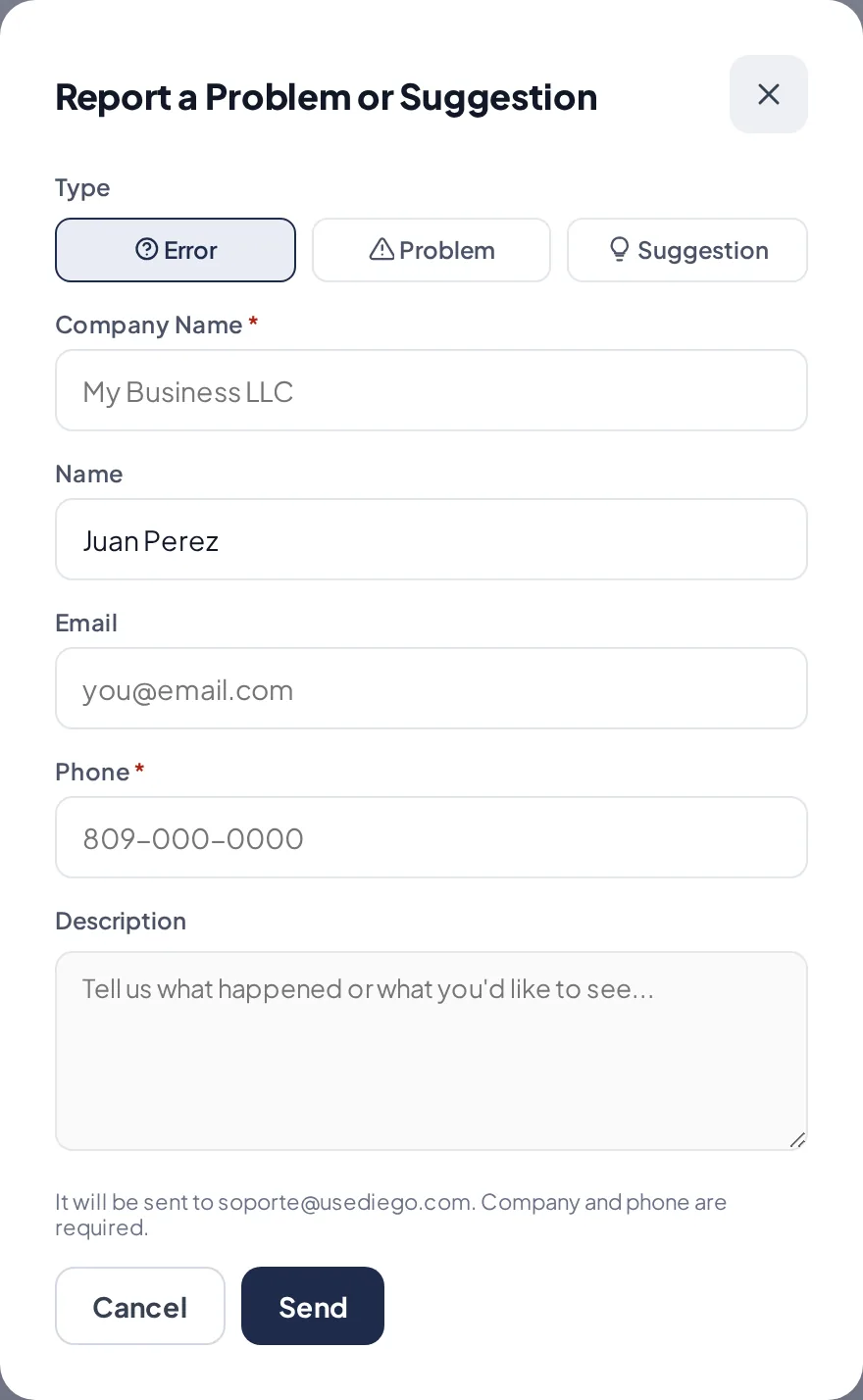
The report a problem form.
Related articles
Create your account and start your free trialHow to sign up your business in Diego, create your password and sign in for the first time. The trial lasts 14 days, no credit card needed.Change your password and keep your account safeChange your password, reset it if you forget it, and protect your business with personal PINs.
Still have questions?
Write to us and we'll reply within one business day.