
Help center › Getting started
Create your account and start your free trial
Signing up takes a couple of minutes. All you need is an email address you can open.
Sign up your business
- Go to usediego.com/en and tap Try it free for 14 days, or go straight to diegopos.app/#trial.
- Fill in Business name, Your name, Email, Phone / WhatsApp (10 digits) and Country. The EIN is optional.
- Choose your Business type: retail store, restaurant, auto repair shop, salon or barbershop, or other. Diego sets up the right modules for it.
- Check the Terms of Service box and wait for the security check (a green ✓ appears).
- Tap Start free trial →.
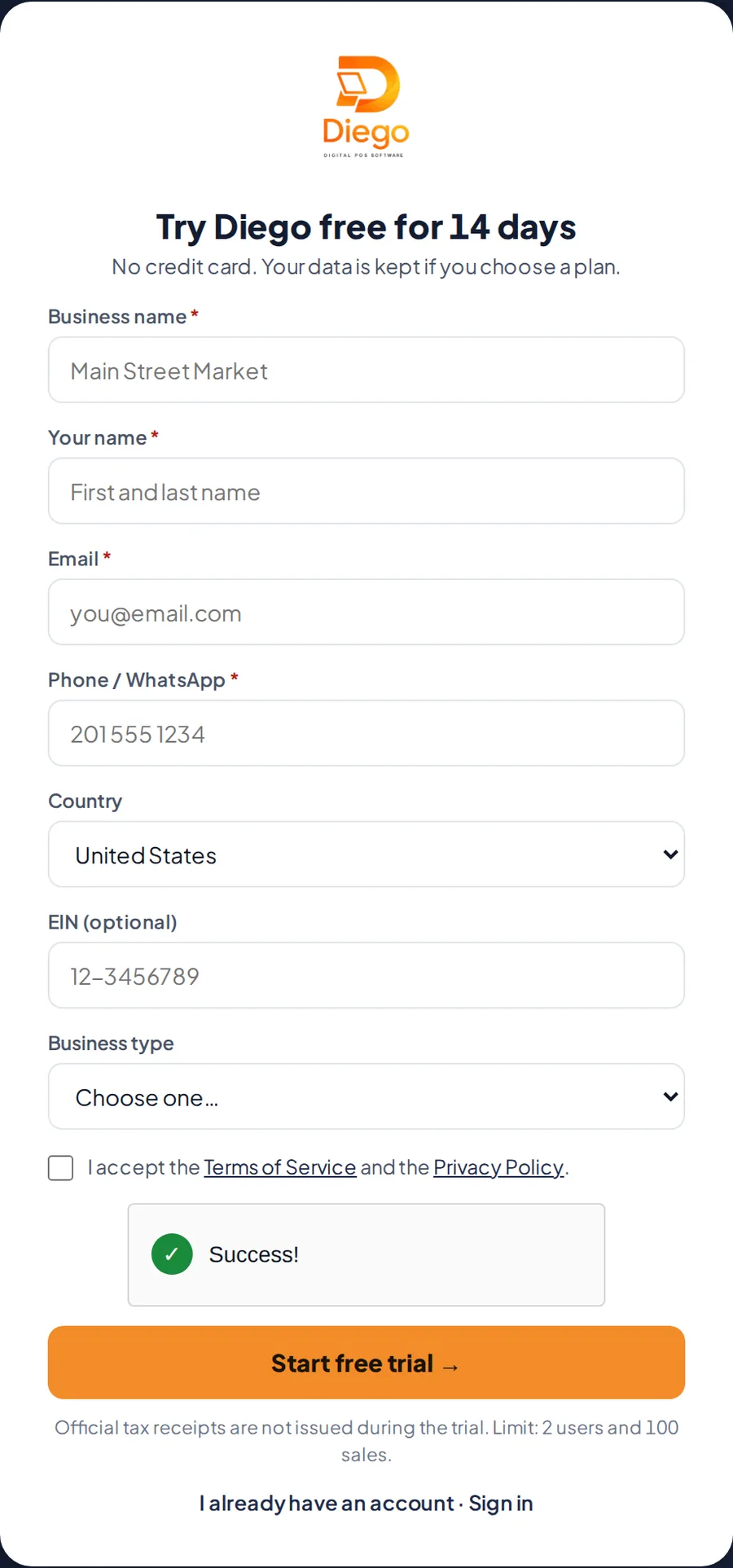
The free trial sign-up form.
Create your password
- You'll see Check your email!. Open the email from Diego and tap the button to create your password.
- Type your New password twice: at least 8 characters, with letters and numbers.
- Tap the button to create your password and sign in. You'll go straight into Diego.
Related articles
Still have questions?
Write to us and we'll reply within one business day.