
Help center › Auto repair shops
Saved notes for invoices and estimates
Saved notes save you from typing the same thing every time: warranties, terms, reminders.
Create your notes
- Open a new invoice or estimate. Next to Notes, tap + Create saved notes (or Manage if you already have some).
- Enter a Short name (for example "30-day warranty") and the Note text. + Add note adds another.
- Tap Save notes.
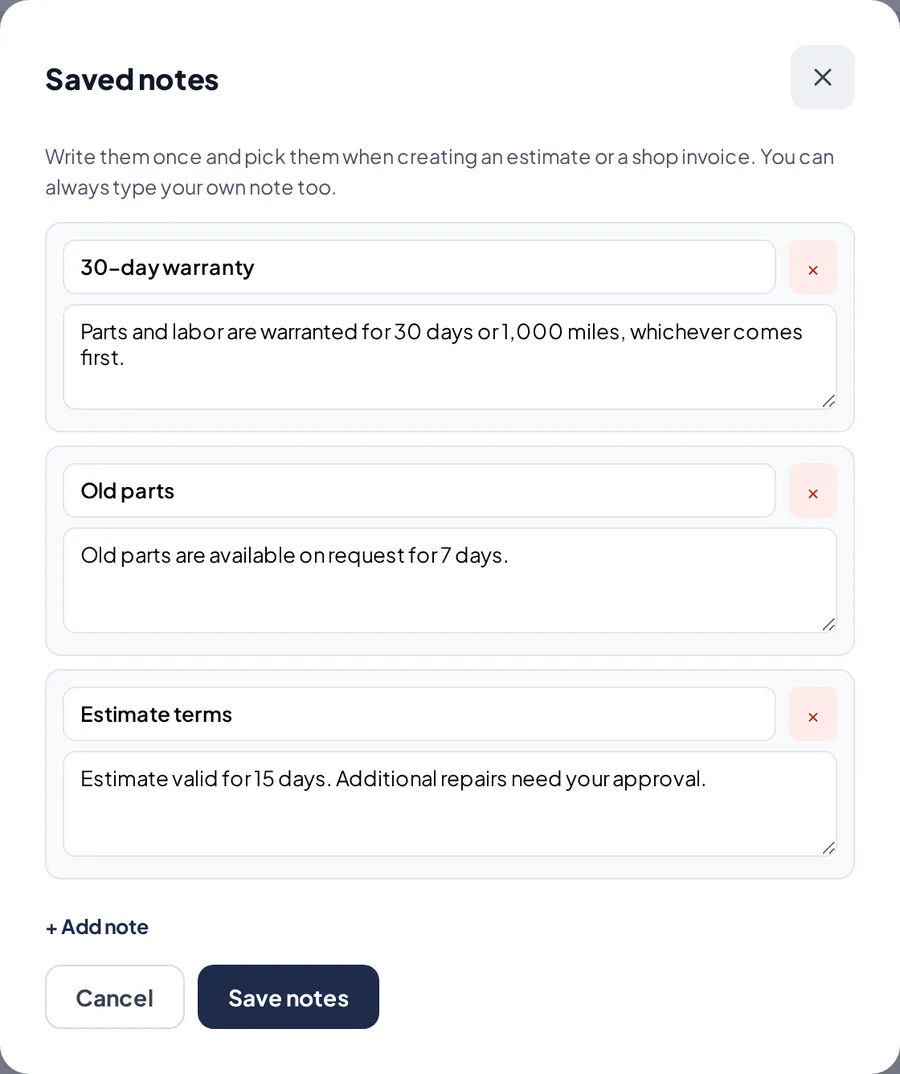
The saved notes window.
Use them
- Under Notes, open + Add a saved note… and pick one. Its text is added on a new line.
- You can pick several and also type anything else in the same box.
Related articles
Still have questions?
Write to us and we'll reply within one business day.