
Help center › Products and inventory
Organize products into categories
Categories group your products (drinks, groceries, dishes). At the Point of Sale they show as filters.
Create a category
- Go to Settings and tap the Categories tab (managers and accountants go straight to categories).
- Tap + New Category. Enter the Name, pick an Icon and a Color.
- Tap Create.
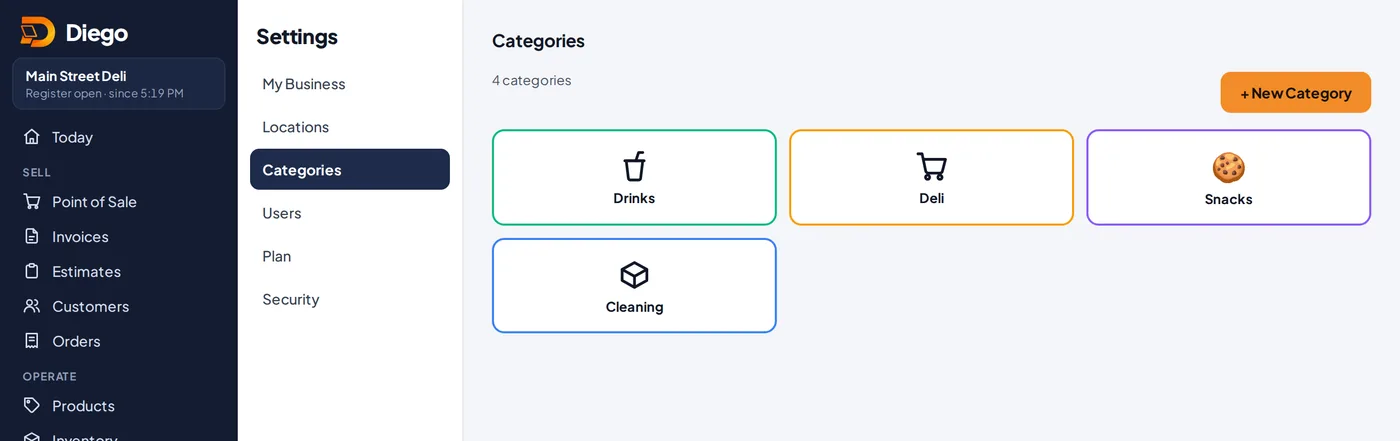
Your business categories.
Change or delete
- Tap a category to edit it, then Save Changes.
- Tap Delete to remove it. Its products are left Uncategorized.
Related articles
Still have questions?
Write to us and we'll reply within one business day.